One structure for the group
Company groups, companies, business units, plants, cost centres and projects are set up in Xpense.

Employees file from the mobile app or WhatsApp, sign in with their Microsoft account where that is set up, and see where their claim is.
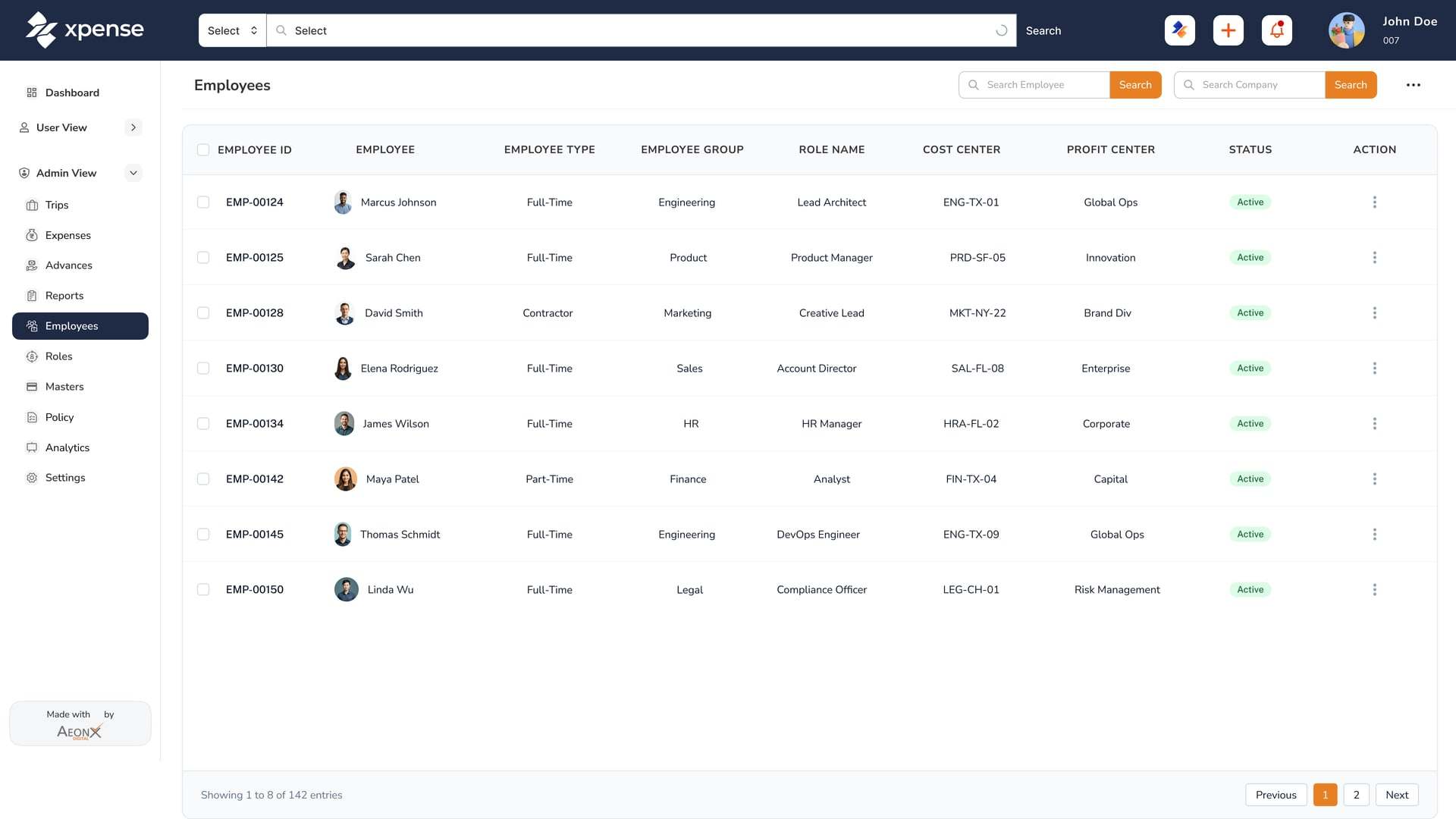
Company groups, companies, business units, plants, cost centres and projects are set up in Xpense.
Access is role-based, and approvals and actions are logged.
Approval workflows are multi-level, configured per module and company, with delegation.
The Xpense app runs on Android and iOS.
Employees file expenses and create trips by WhatsApp chat.
Sign in with Microsoft is available.
The app has trips, expenses, reports, advances and approvals in its menu. A receipt is photographed and read automatically.
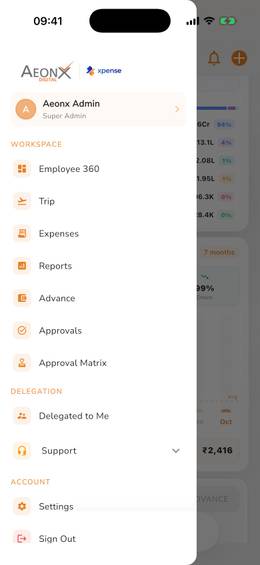
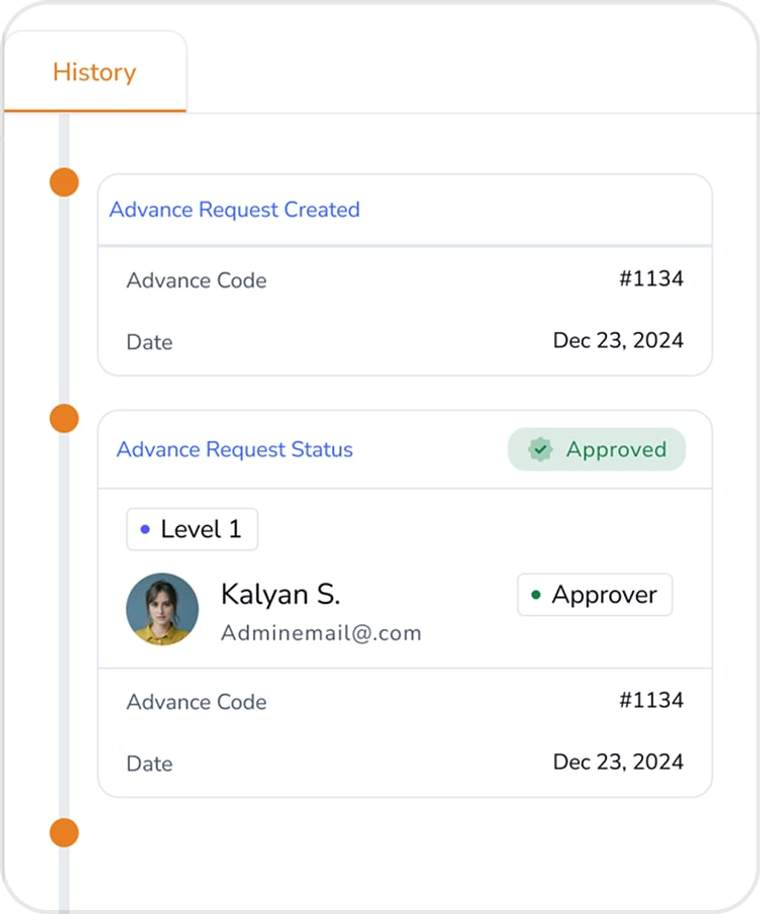
Every trip, expense and advance has a timeline, so an employee or the shared services team can see which step it has reached.
Yes. Xpense has a mobile app for Android and iOS, on Google Play and the App Store.
Raise a trip request, book business and personal flights, and file expenses with receipts that are read automatically.
Yes. AeonX IQ is the assistant inside Xpense, and an employee can create a trip or log an expense by chat.
With the AeonX Prepaid Card they can pay by UPI: scan and pay from the Xpense app using the card balance.
When it is submitted, before it reaches an approver. Every claim is checked against the policy you have configured.