CFO
Travel and expense spend is checked against policy when it is claimed, approved through your own levels, and posted to SAP once approved.
See the role page
Different people use different parts of Xpense. Pick your role to see the parts that matter to you.
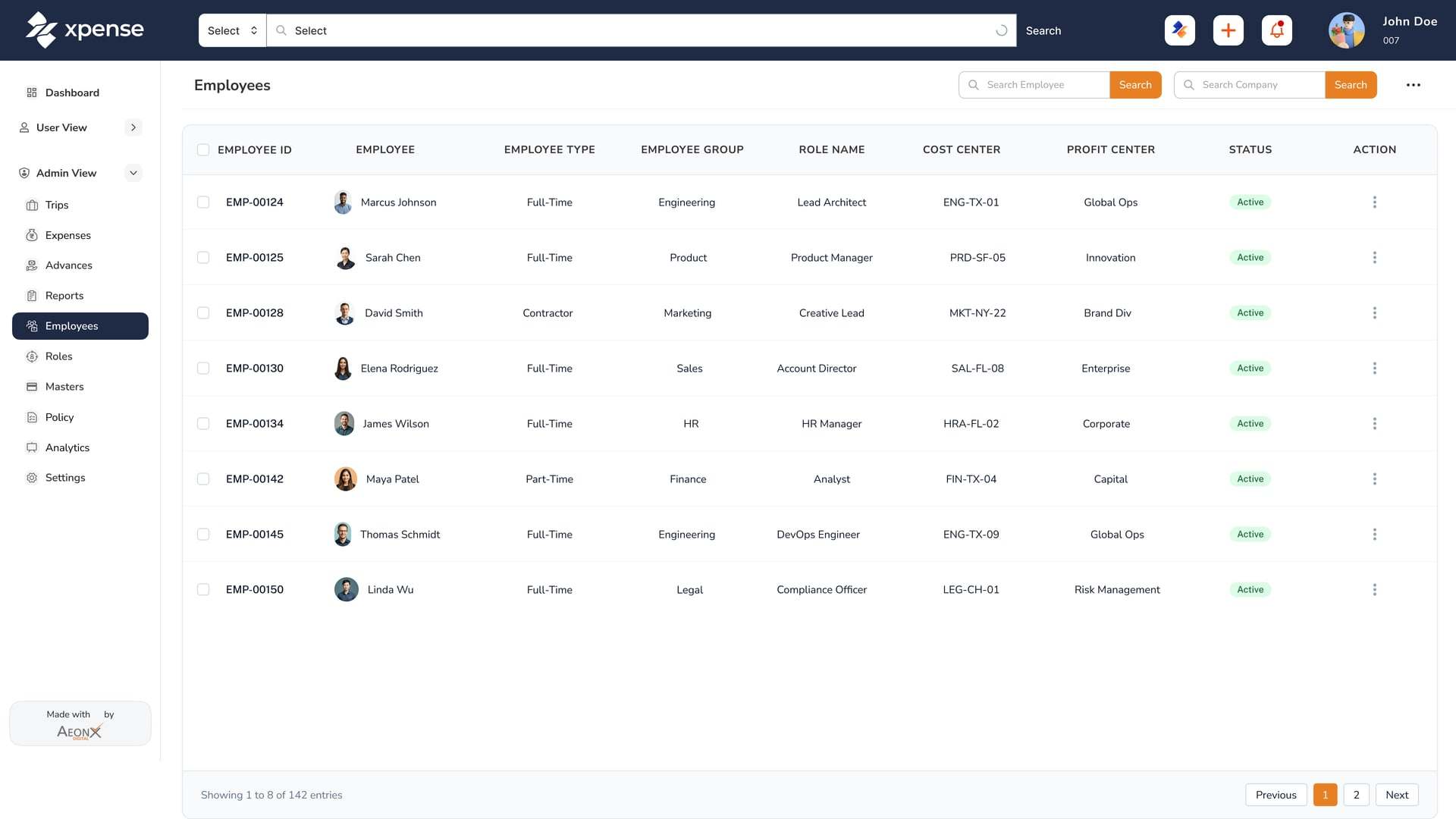
Travel and expense spend is checked against policy when it is claimed, approved through your own levels, and posted to SAP once approved.
See the role pageThe checks a controller cares about run when the claim is submitted: the policy check, the GST details and the duplicate check.
See the role pageTravellers raise the trip and book the flight themselves, inside your travel policy. The travel desk sees every trip in one list.
See the role pageEmployees file from the mobile app or WhatsApp, sign in with their Microsoft account where that is set up, and see where their claim is.
See the role pageStore utility bills are filed per store, approved and posted to SAP as vendor invoices. Petty cash and advances are tracked through to settlement.
See the industry pageA manufacturing group has several companies and plants. Xpense holds that structure. Trip requests carry your travel policy and city-class limits, and approved expense reports are posted to SAP.
See the industry pagePeople who travel for work every week raise the trip in Xpense, book the flight within policy, and file their expenses from the mobile app or by WhatsApp chat.
See the industry pageField teams claim mileage from the route, file expenses from the mobile app or by WhatsApp chat, and ask for an advance in Xpense. Every claim is checked against your policy.
See the industry pageFinance sets the rules and gets the record. Policy is checked on every claim, approvals follow the levels you configure, and approved reports are posted to SAP.
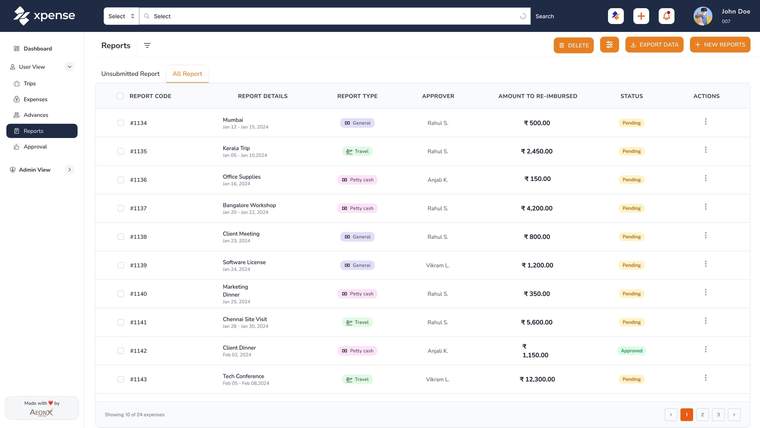
A manager approves what their team raises. The approval request also arrives on WhatsApp with a link, and a late approval gets a reminder.
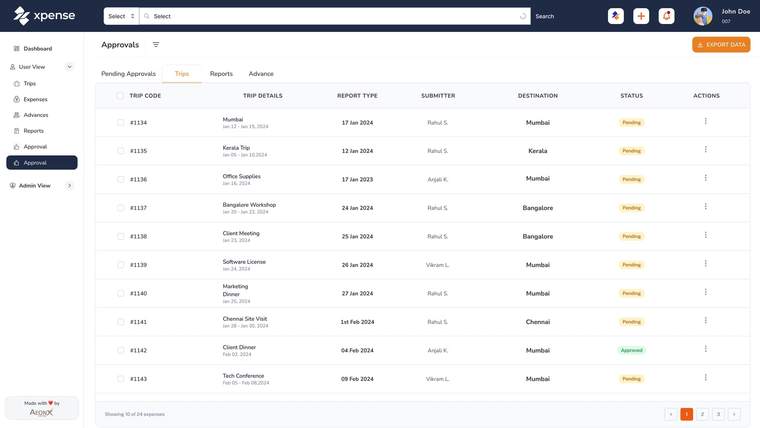
An employee raises a trip, files a claim and asks for an advance, and can see where each one is.
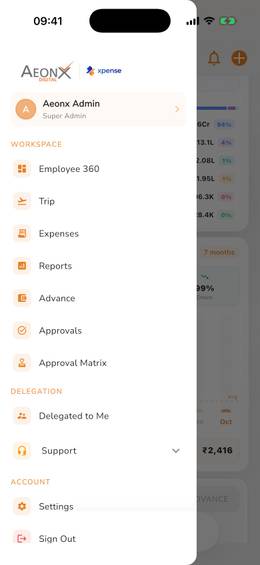
Xpense is the travel and expense management platform from AeonX Digital. It covers trip requests, flight and domestic hotel booking, expense claims, approvals, advances and reports, with a mobile app for Android and iOS.
A trip starts as a request and is booked inside Xpense. Expenses are filed, checked against your policy when they are submitted, and approved level by level. Approved expense reports are posted to SAP.
Yes. You can set up company groups, companies, business units, plants, cost centres and projects. Approval workflows are configured per module and per company.
Employees raise trips and file claims, managers approve, and finance reviews and posts. Access is role-based, and there are dashboards for finance, managers and travel.
Yes. The product tour and the shorter feature videos are in the video library. They are recorded with demo data.