GST details validated
GST details are captured and validated at submission and included in report exports. HSN and TDS masters are maintained in Xpense.

The checks a controller cares about run when the claim is submitted: the policy check, the GST details and the duplicate check.
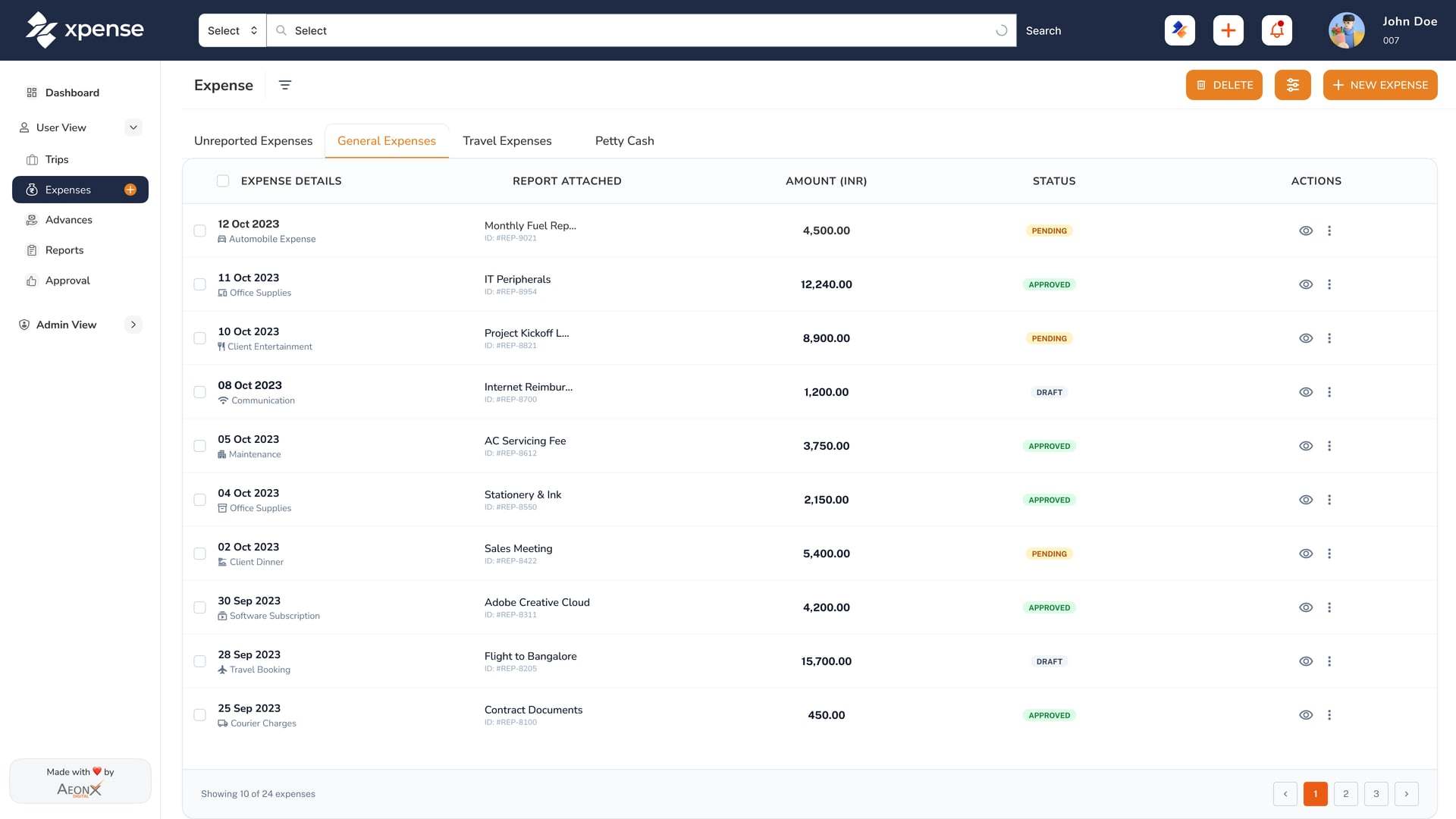
GST details are captured and validated at submission and included in report exports. HSN and TDS masters are maintained in Xpense.
Receipts are read automatically, with duplicate detection.
Every claim is checked against your policy when it is submitted.
Advances, petty cash and settlement are tracked end to end, in more than one currency.
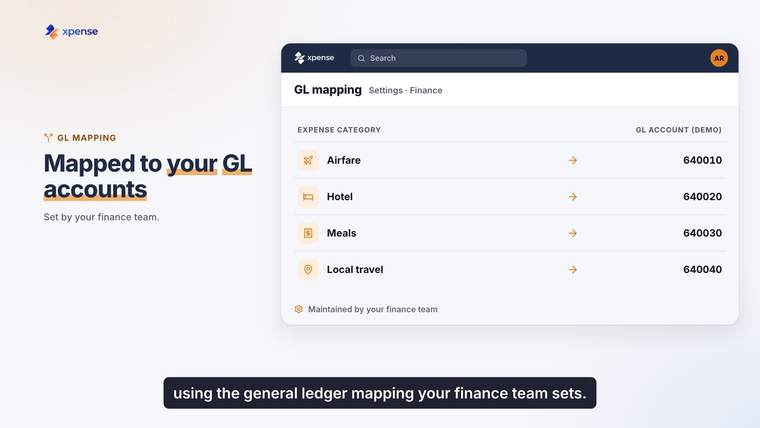
Approved expense reports are posted to SAP, with GL mapping.
Tally voucher export is available.
For store utility bills, accounts add the tax code, HSN and TDS details before the bill posts to SAP.
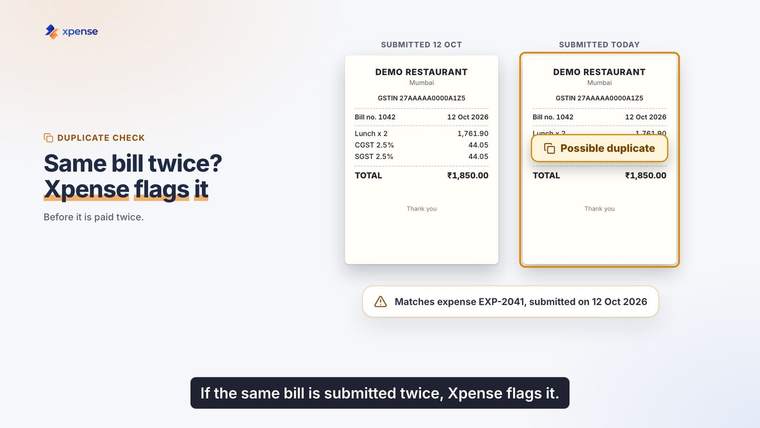
Utility billsDuplicate detection is part of receipt reading. A receipt that matches one already submitted is flagged on the claim.
An approved expense report is posted to SAP with GL mapping, so the controller reviews the mapping once and not each report.
From the mobile app, from the web, or by chatting on WhatsApp. On WhatsApp they can type what they spent or send a photo of the receipt.
Yes. Receipts are read automatically using OCR. The employee checks what was read and submits the claim.
Receipt reading includes duplicate detection, so a receipt that matches one already submitted is flagged.
Mileage is calculated from the route and the rate for your vehicle.
Yes. GST details are captured and validated when the claim is submitted, and they are included in report exports. HSN and TDS masters are maintained in Xpense.